
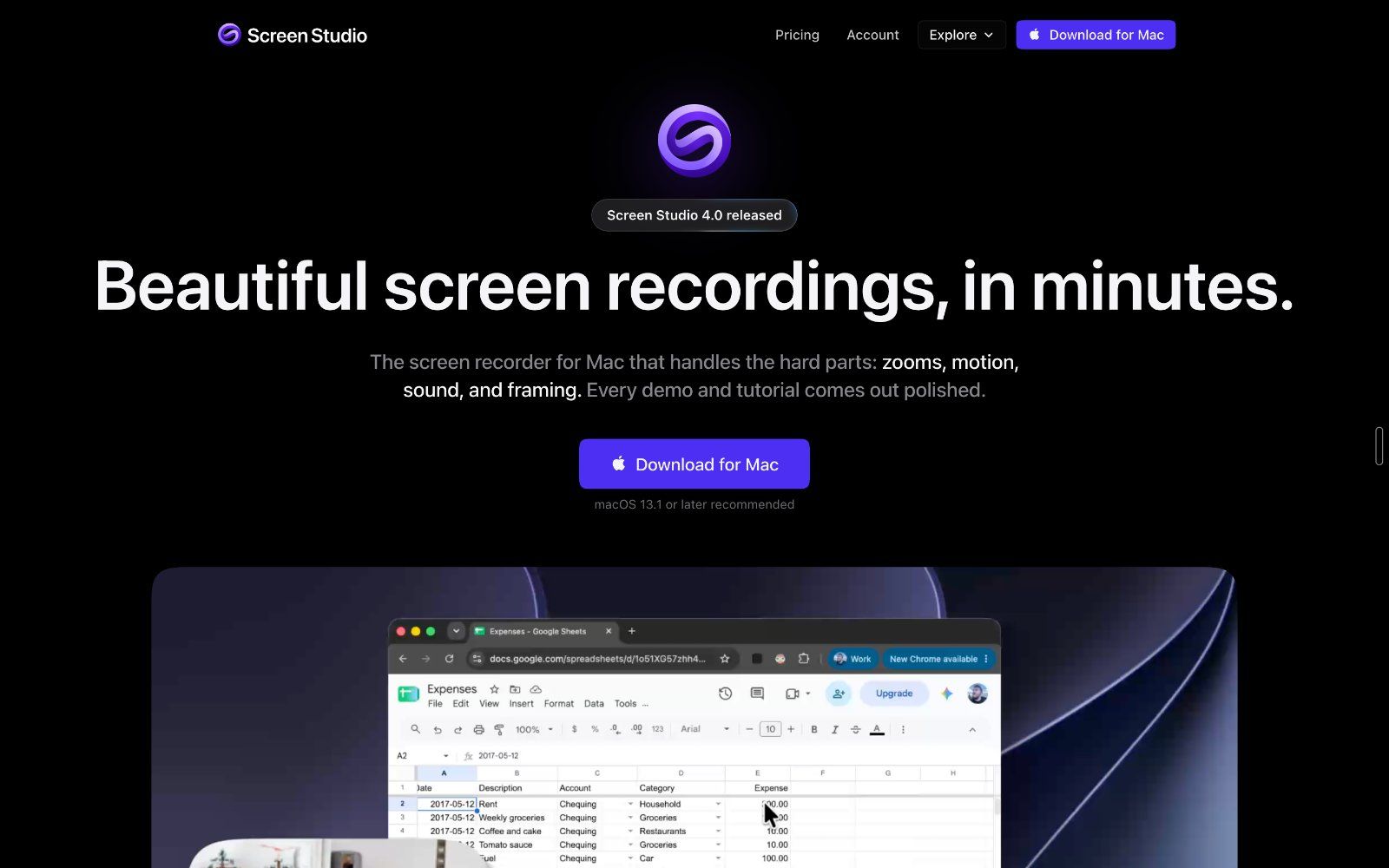
Screen Studio is a powerful screen recording app for macOS that helps you create polished, professional-looking videos with minimal editing. It automatically adds smooth zoom effects, cinematic motion, cursor highlights, and smart framing to make every recording more engaging. With built-in video editing, automatic captions, audio enhancement, webcam layouts, and customizable backgrounds, Screen Studio is ideal for product demos, software tutorials, educational videos, and social media content. Record your screen once, refine it in minutes, and export high-quality videos ready to share anywhere.
Frequently asked questions
What is Screen Studio?
Screen Studio is a video tool. Screen Studio — Professional screen recorder for macOS.
Is Screen Studio free?
Screen Studio is freemium: you can start on a free tier, and paid plans unlock more.
What can you do with Screen Studio?
Screen Studio covers Automatic smooth zoom and cinematic motion effects, Cursor highlighting and smart framing and Built-in video editor with automatic captions.
More in Video

We are building foundational General World Models that will be capable of simulating all possible worlds and experiences. The next frontier of intelligence will

Generate AI videos from your ideas using HeyGen. Input text, image, or audio to create complete videos with narration, captions, visuals, and animations.

Create AI generated videos from text with the most advanced AI avatars and voiceovers in 160+ languages. Try our free AI video generator now!

Build AI humans that see, hear, and talk face to face in real time. Deploy custom video agents, digital twins, and AI companions in 30+ languages with simple AP
Kling AI, tools for creating imaginative images and videos, based on state-of-art generative AI methods.

OpusClip turns long videos into high-quality viral clips, and publishes them to all social platforms in one click. We help 10M+ creators create and grow faster.
No comments yet. Be the first to say something useful.