
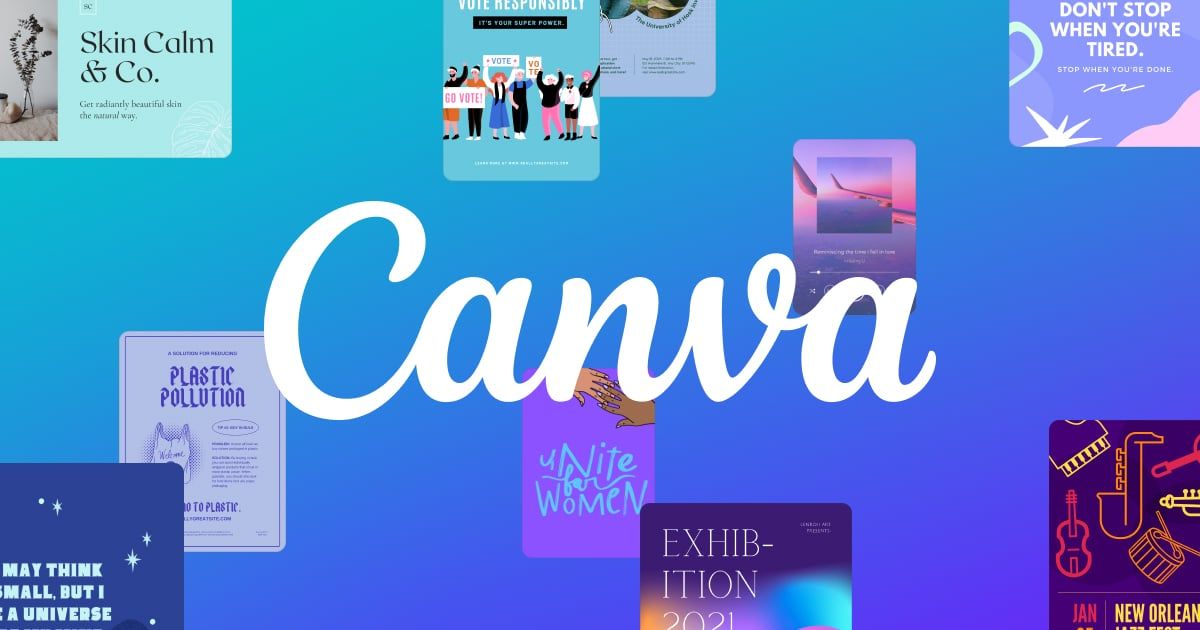
Canva has become the default design tool for anyone who isn't a trained graphic designer, and for good reason: it packs an enormous template library, solid AI-assisted features, and genuinely easy collaboration into an interface that requires almost no ramp-up time. It won't replace Photoshop or Figma for pixel-perfect or highly technical work, and the free tier nudges you toward Pro fairly quickly once you want premium assets or AI credits, but for marketing teams, small businesses, educators, and social content creators it remains an extremely efficient way to produce professional-looking output fast.
Frequently asked questions
What is Canva?
Canva is a design tool. The easiest way for non-designers to make things look professionally designed, fast.
Is Canva free?
Canva is freemium: you can start on a free tier, and paid plans unlock more.
What can you do with Canva?
Canva covers Drag-and-drop design editor with templates for social, print, video, and presentations, Magic Studio AI tools for background removal, image generation, and text-to-image edits and Brand Kit and Brand Templates for consistent team branding.
What is Canva's launched.tools score?
Canva scored 88/100 in launched.tools' independent review, rated “Highly recommended”.
More in Design

Figma is the canvas where design, code, and AI come together. From first idea to shipped product: go from concept to production with your whole team, in one pl

The aesthetic gold standard of AI image generation, if you're willing to pay and learn its quirks.

Create a professional website with Framer’s no-code AI website builder. Design freely, manage CMS content, optimize SEO, collaborate, and publish fast.
Use AI as your design ally, not as a replacement. Effortlessly generate sitemaps and wireframes for marketing websites in minutes with Relume’s AI website build

Download design elements for free: icons, photos, vector illustrations, and music for your videos. All the assets made by designers → consistent quality ⚡️

A smart, low-friction way to turn text into polished business visuals without wrestling with prompts or templates.
No comments yet. Be the first to say something useful.