
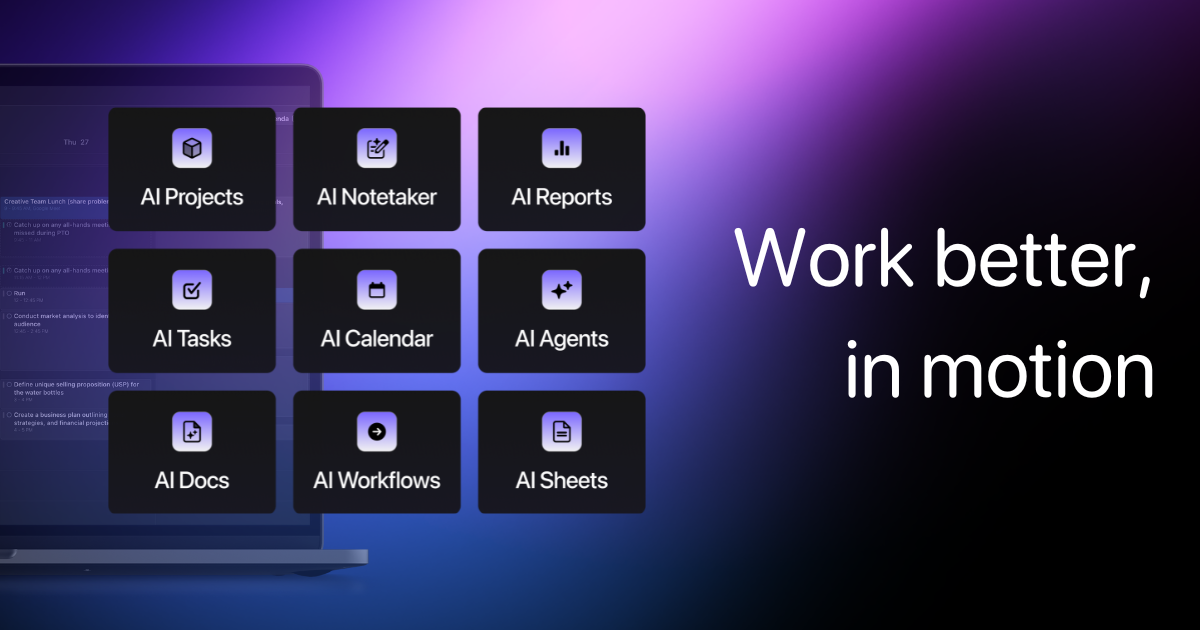
Motion set out to fix the fundamental flaw in most task managers: that a due date isn't a plan, and its auto-scheduling engine remains genuinely differentiated, dynamically timeblocking tasks and meetings around real-world changes throughout the day. The expansion into AI project generation, meeting notetaking, docs, and workflows has turned it into a much broader all-in-one work platform, which is ambitious and mostly delivers, though the newer modules aren't as tightly refined as the original calendar/task engine. It's priced at a premium relative to simpler to-do apps, and there's a real onboarding curve to get the AI prioritization tuned to how you actually work, but for individuals and small teams drowning in deadlines and context-switching, it remains one of the more capable and well-regarded tools in its space.
Visit Motion (usemotion.com) →
Frequently asked questions
What is Motion?
Motion is a productivity tool. Motion turns your calendar into a living, self-adjusting plan: powerful, if pricier and more complex than a basic to-do app.
Is Motion free?
Motion is a paid tool; there's no permanent free tier listed.
What can you do with Motion?
Motion covers AI-powered auto-scheduling calendar that replans your day as things change, AI project manager that generates full project plans with tasks and deadlines from a description and AI meeting notetaker with transcripts, summaries, and auto-generated action items.
What is Motion's launched.tools score?
Motion scored 80/100 in launched.tools' independent review, rated “Recommended”.
More in Productivity

Distraction-free YouTube: hide the feed, Shorts, comments and autoplay
Build Custom Agents, search across all your apps, and automate busywork. The AI workspace where teams get more done, faster.

Reclaim is an AI-powered app that creates 40% more time for teams: auto-schedule tasks, habits, meeting & breaks – free on Google Calendar & Outlook Calendar.

Fyxer is the email assistant that organizes your inbox, writes draft replies in your tone, and takes meeting notes.

Superhuman is the AI productivity suite that gives you superpowers everywhere you work. So you can be more creative, strategic, and impactful.
Akiflow is a premier digital planner and calendar for centralising tasks, unifying schedules, and optimising productivity. Experience the world
No comments yet. Be the first to say something useful.