
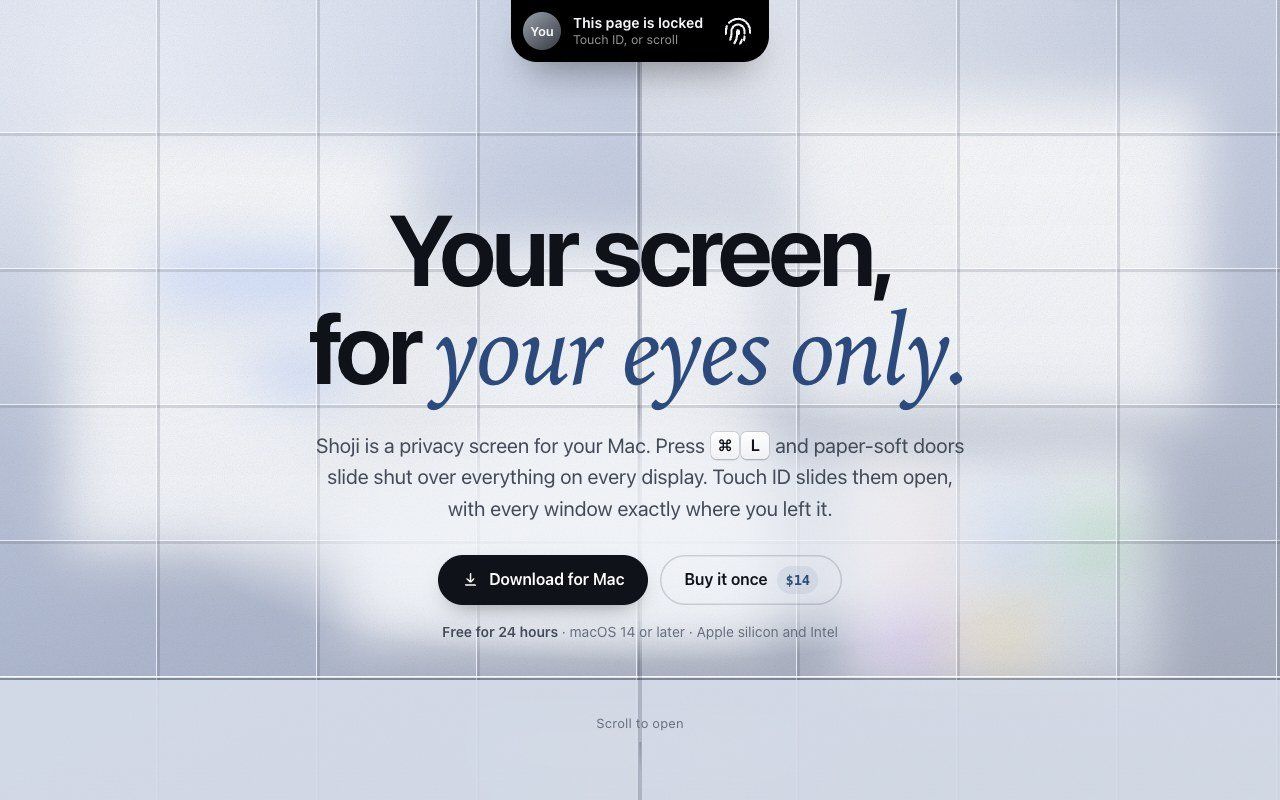
Shoji is a privacy screen for your Mac. Press Command-L and a soft screen slides shut over everything on every display; Touch ID slides it open again with every window exactly where you left it.
Focus Blur keeps only the window you are using sharp, so you can work in a cafe, on a plane or in a shared room without people reading over your shoulder. You can blur one app, everything but the window in use, or the whole Mac.
Shoji needs no macOS permissions, no account and has no analytics. $14 once, with a free 24-hour trial.
Frequently asked questions
What is Shoji?
Shoji is an utilities tool. A privacy screen for your Mac.
Is Shoji free?
Shoji is a paid tool; there's no permanent free tier listed.
What can you do with Shoji?
Shoji covers Instant privacy screen triggered by Command-L, Touch ID unlock that restores window layout exactly and Focus Blur to sharpen only the active window.
More in Utilities

Save X (Twitter) videos at original quality. Free, no login, no watermark
A keyboard overlay for screen recordings on your Mac

A little friend in your Mac's notch

NetMute: Per-App Firewall & Tracker Shield for Mac

Eject water from your iPhone speaker, test audio clarity and explore sound tools with a fast, private utility that works completely offline.

Free tools that run in your browser, not the cloud
No comments yet. Be the first to say something useful.