
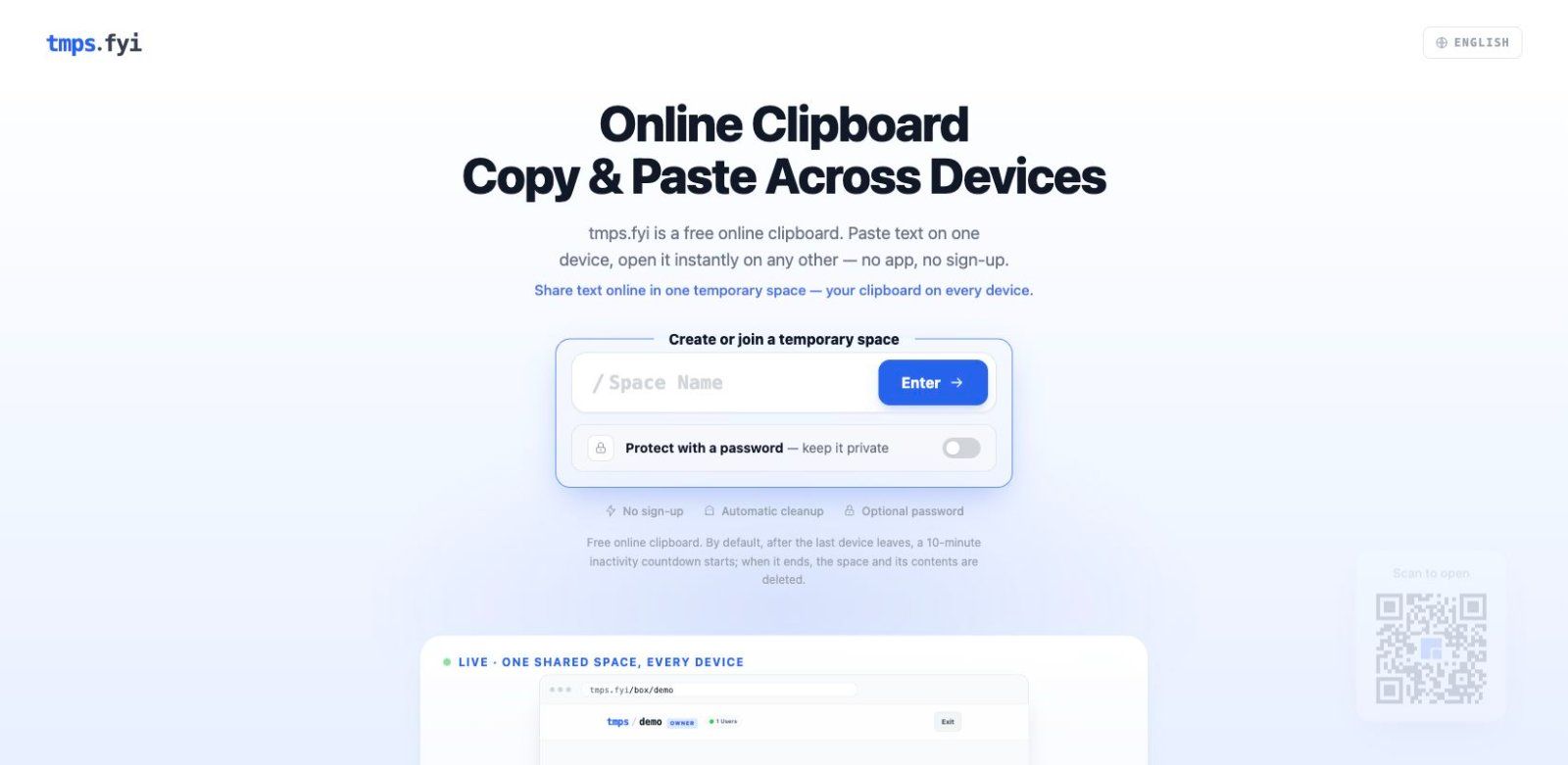
tmps.fyi is a free online clipboard and temporary file-sharing tool. Share text, images, and files between your phone, tablet, and computer in real time. On desktop, capture screenshots and share them directly — all in your browser, with no app or sign-up required.
Create or join a named temporary space, invite another device with a link or QR code, and optionally protect the space with a password. By default, a 10-minute inactivity countdown starts after the last device leaves; when it ends, the space and its contents are deleted.
Built for quick cross-device handoffs: links, notes, code snippets, images, screenshots, and files. It is a non-AI browser utility; it does not generate content or provide permanent storage.
Frequently asked questions
What is tmps.fyi – Online Clipboard?
tmps.fyi – Online Clipboard is an utilities tool. Share text, images, and files across devices — no app, no sign-up.
Is tmps.fyi – Online Clipboard free?
Yes, tmps.fyi – Online Clipboard is free to use.
What can you do with tmps.fyi – Online Clipboard?
tmps.fyi – Online Clipboard covers Create named temporary spaces for sharing text, images, and files, Join a space via link or QR code from another device and Optional password protection for spaces.
More in Utilities

Save X (Twitter) videos at original quality. Free, no login, no watermark
A keyboard overlay for screen recordings on your Mac

A little friend in your Mac's notch

A privacy screen for your Mac

NetMute: Per-App Firewall & Tracker Shield for Mac

Eject water from your iPhone speaker, test audio clarity and explore sound tools with a fast, private utility that works completely offline.
No comments yet. Be the first to say something useful.